
This year, the most prevalent phishing tactic I’m seeing in my customer inboxes uses “invitation” ruses. Please become familiar with Invitation phishing, so that you can dodge this when you receive some. Here are a boatload of samples:
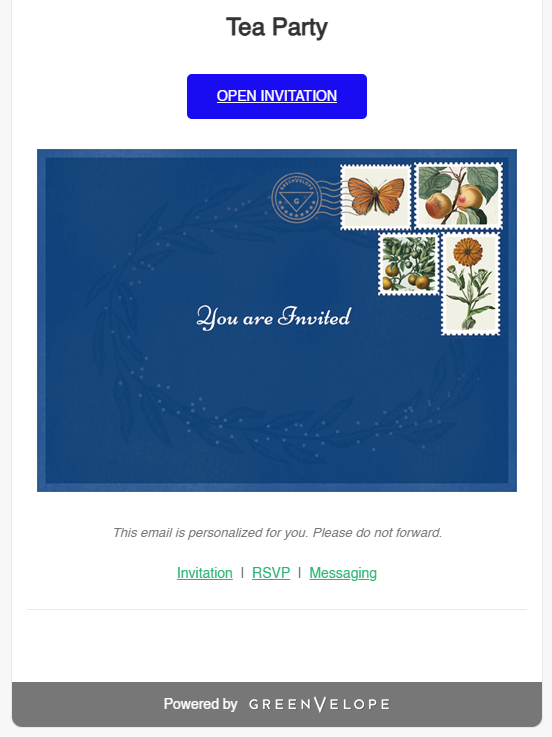
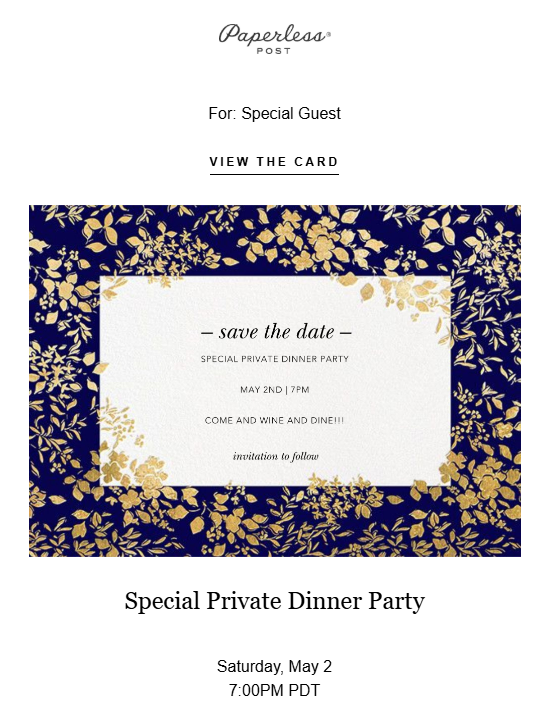

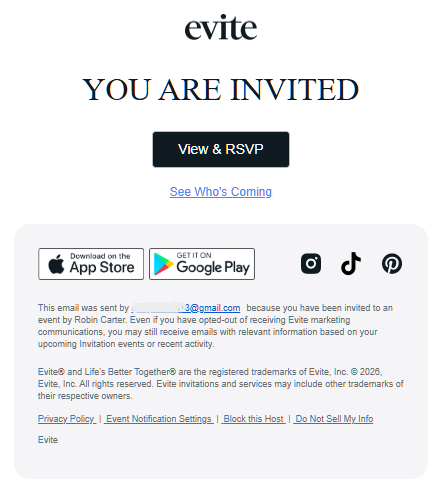
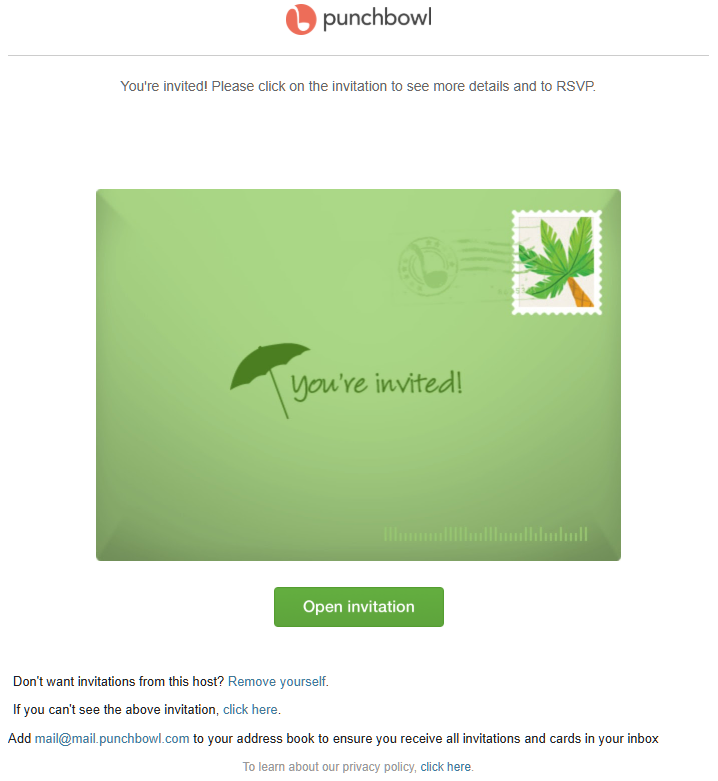
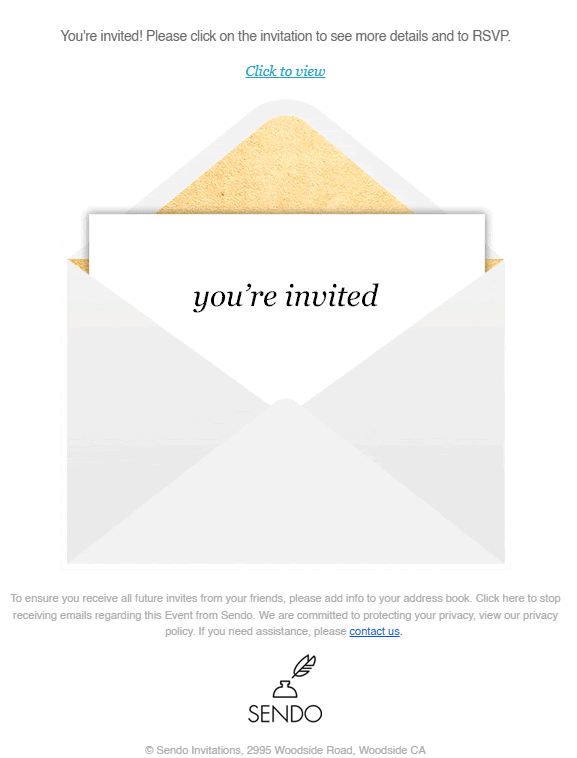
Invitation phishing has a lot going for it. Scammers love this attack vector, because it:
- Costs them nothing
- Bypasses spam filters (because it comes from known, trusted email addresses)
- Often arrives with links and graphics from legitimate invitation/event companies, like Evite or Punchbowl
- Is hard to resist, looking well-formatted, professional and interesting
These fake invites are modeled closely after real invites, so I fully understand when people click on them. But that’s where the danger begins.
Different Threats
There is a bit of variety to what these scammy emails can do to you. The first threat is typically to your email.
Many of these phishes, as soon as you click on them, take you to a new page that asks you to log in to see your “invite”. And that sign-on page is a lie. If someone cooperates and types in their email and password, they have just handed that information over to a scammer. The cybercrook will quickly use that info to login to the victim’s email, and use it to send out even more Invitation Phishing messages. They tend to send it to everyone in the address book…
The worse threat (yes, it gets worse) is that a fake invite-email may attempt to install a RAT on the target computer. If that happens, the criminal gets full control over your computer. That can allow them to access more than just your email — they may invade your browser, your bank account, your Amazon purchases and more.
Recovery
If you’ve been had by one of these schemes, time is of the essence. You should change your email password promptly, but that is often just your first step.
If a bad actor has gotten into your email, they may have changed other settings in its back-end. And rarely, they can retain access, even after you update the password. Consider this older blog post for how you can fully inspect a compromised email.
And if something malicious was installed? There’s no silver-bullet advice I can give for that. You can review your downloads and installed programs for anything odd. You can run a virus scan. But when remote access software is installed, the bad guys usually cover their tracks really well. If you have any doubts about a computer’s safety, have it checked by an experienced professional.
Final Advice
I’ve blogged about specific invitation phishes in past years, but I will reiterate:
- Don’t trust any emailed invitations that arrive unexpected or out-of-the-blue, don’t click any links or graphics inside the message
- Call the sender of the invite to confirm that they meant to send it
- If you learn that the sender didn’t make that invitation, tell them their email may be compromised
- True invitation-messages will not ask for your email password
- Do not spam or block an invitation phish-mail, as that will prevent your friend from emailing you in the future
Please reach out to me if you need further help!