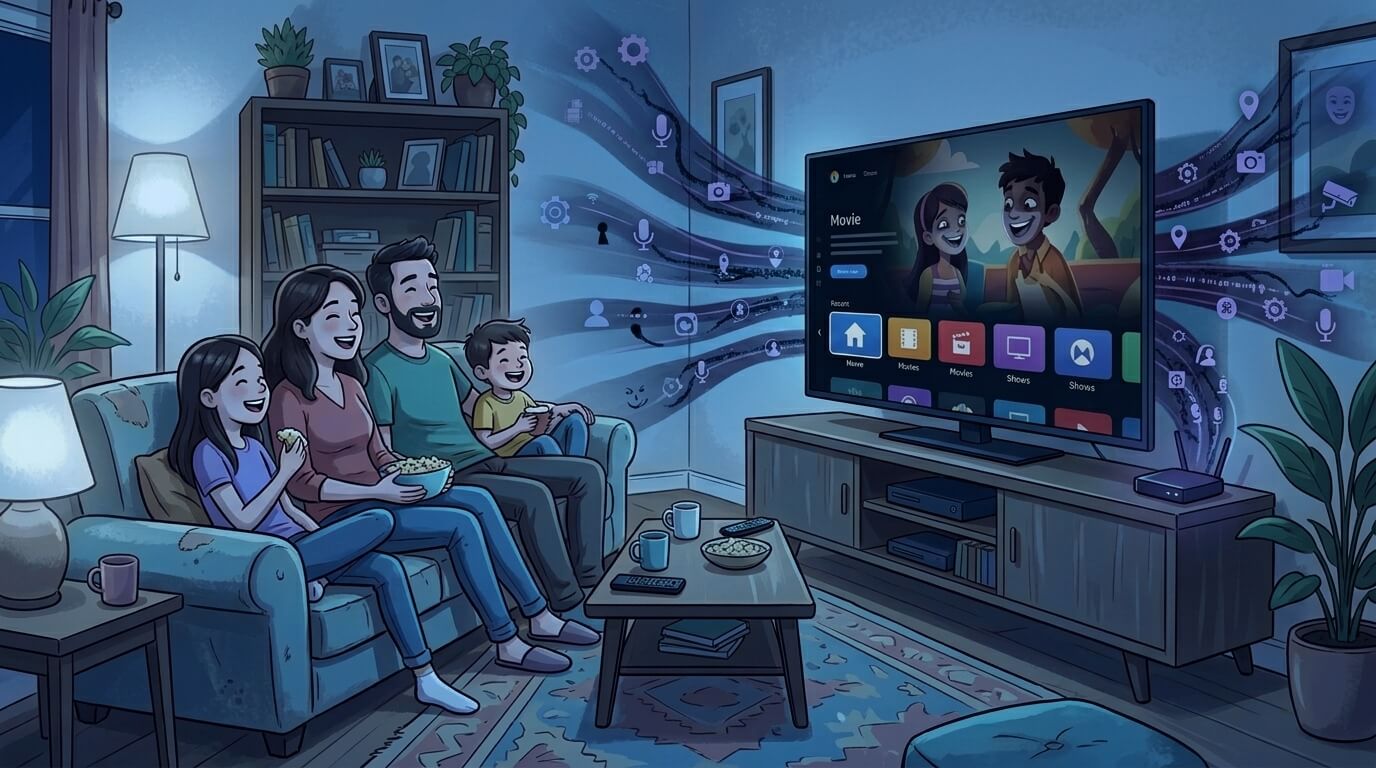
Your TV has been collecting info about you for years now. What you watch, when you’re tuned in, how long you manage to stay awake, and more — all hoovered up and sent off to the manufacturer, for them to use and sell and share. Television-based data collection and automatic content recognition (ACR) wasn’t much of a concern to most people at its onset. But consider this:
- Walmart bought Vizio in 2024.
- The Vizio privacy policy clearly states that your Vizio Viewing Data combines with your Walmart account data (relevant to older Vizio devices).
- This Walmart help article details how new Vizio TVs must be setup using a Walmart account.
- Vizio also discloses that all of this is done to “enhance your Walmart experience“.
All of that means that Walmart is using your TV data (and your purchasing data) to advertise more effectively to you. Imagine: you watch the Superbowl, and next day, the Walmart app is pushing sports merch in front of your eyes. Also, imagine: if you pay in cash at a Walmart store, you might see more credit card ads on your TV.
While this Vizio situation is most noteworthy, we must recognize that all TV manufactures are doing this. Samsung, LG, Sony, Hisense, Amazon, Roku all collect your viewing data. These practices are typically turned on by default, meaning that if you don’t want this to happen, you have to disable the data collection yourself.
Manufacturers don’t want you to do this, but they are required by law to allow you an opt-out function. So you can go to your television and opt-out now, but expect it to be rather hidden or non-intuitive. For example, on my 4-year-old Vizio TV, using my remote control, I went through:
- Settings (cogwheel button)
- All Settings
- Admin & Privacy
- Viewing Data – switch OFF
- Advertising
- Limited Ad Tracking – switch OFF
- Admin & Privacy
If you have a Vizio TV, these steps might line up, or you may have different menus to go through. Check out this page if you feel you need better guidance.
For other TVs, normally, I would eagerly write out the steps you would follow. But that’s not realistic, this time! As I research each brand of TV, I find that the instructions are hidden or inconsistent. The terminology is vague or deceptive. I have to point you in the right direction and hope you can find your way to what works for your specific TV.
You might consult your specific TV’s manual, but I think it will be easier for you to scan through these articles for steps that might apply to your TV’s brand name:
Tom’s Guide – Your Samsung TV is Watching You
Popsci – How to stop your smart TV from watching you
Consumer Reports – How to Turn Off Smart TV Snooping Features
NYTimes Wirecutter – How to get Your Smart TV to Stop Spying on You
Unfortunately, I have to wrap up this post with some other down-notes:
- Turning off these data collection options may not stick. Users report that, after certain automatic updates, TVs may restart and resume collecting data on you. The TVs behave as if you did not opt-out. You may have to check your data collection options from time to time, and turn them off again.
- Voice recognition services (talking into your remote control) equals mandatory data collection. You might find an option in your TV to disable voice-based data collection, but if you disable it, then you cannot speak to your device anymore. It is an either-or choice.