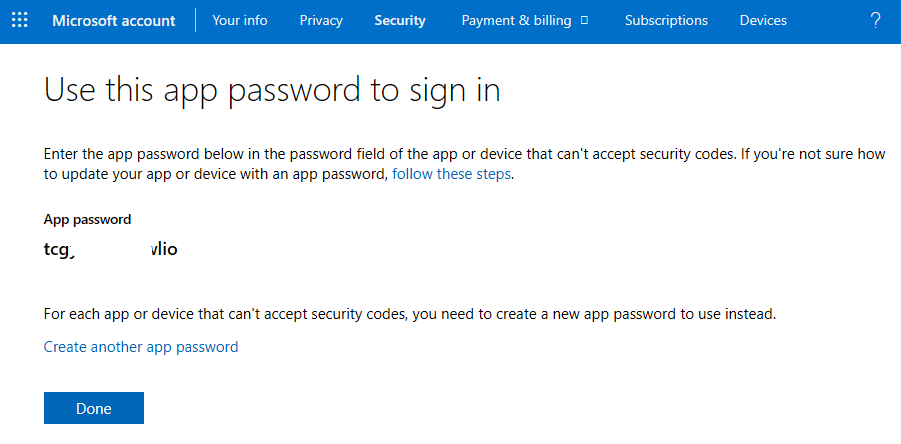
For most situations, you access your email simply by logging in, on a website or in your email client, by typing in the address and its password. But in some rare cases, that won’t work. You type your email address correctly, and you are confident of your password, but meet with no success. Why is this? Whatever you are trying to set up may have security issues, and you’ll need to create a special app password to get things properly configured.
Security Issues?
Modern email with Gmail, Outlook.com, Yahoo and the like use encryption and other layers of security to keep your credentials safe. And they expect your email client (Outlook, Thunderbird, etc.) to match their safety standards, if they are going to cooperate with it. But not all email appliances are the same. You could meet with a sign-in roadblock if you are trying to set up your Gmail/AOL address in:
- A very old version of Microsoft Outlook
- An out-of-date iPad
- An older Xbox
- Windows Live Mail
- the newest version of Outlook on Windows 11!
If you cannot get your email password to work with one of these examples, what you’ll want to try is to create an app password specifically for that one device, and use that for your email sign-in, instead of its normal password.
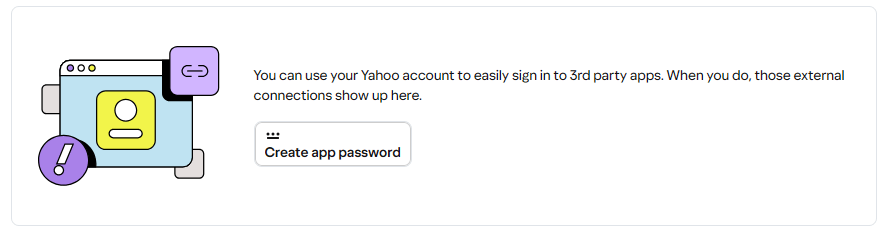
App Password Creation
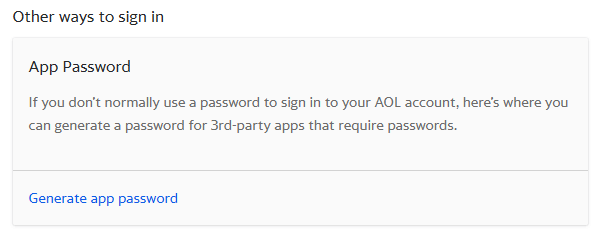
Each of the major email providers has a special page and process for you to use to create such an app password.
Microsoft / Outlook (Live Mail and Hotmail)
If you need an app password for some other email provider, you might search for “app password + their name” or reach out to their support for instructions.
Success Not Guaranteed
Sometimes, though, even this method doesn’t pan out. Google is especially strict with security measures, and may not allow some accounts to create any app passwords.
I’m happy to advise or help with any app password needs you have. But if there is too much resistance, it may be worthwhile to update your old devices or to find a different email solution. Please pick my brain for ideas, as needed!